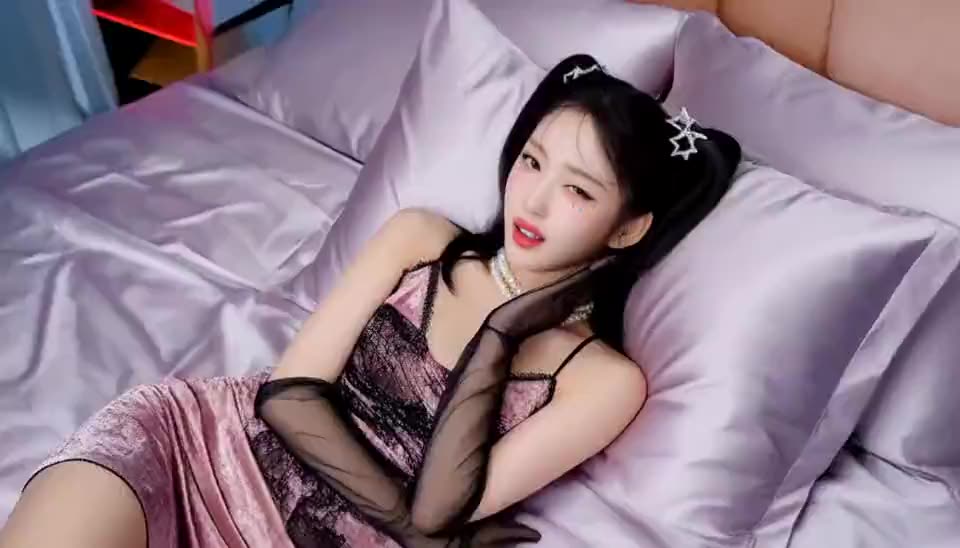
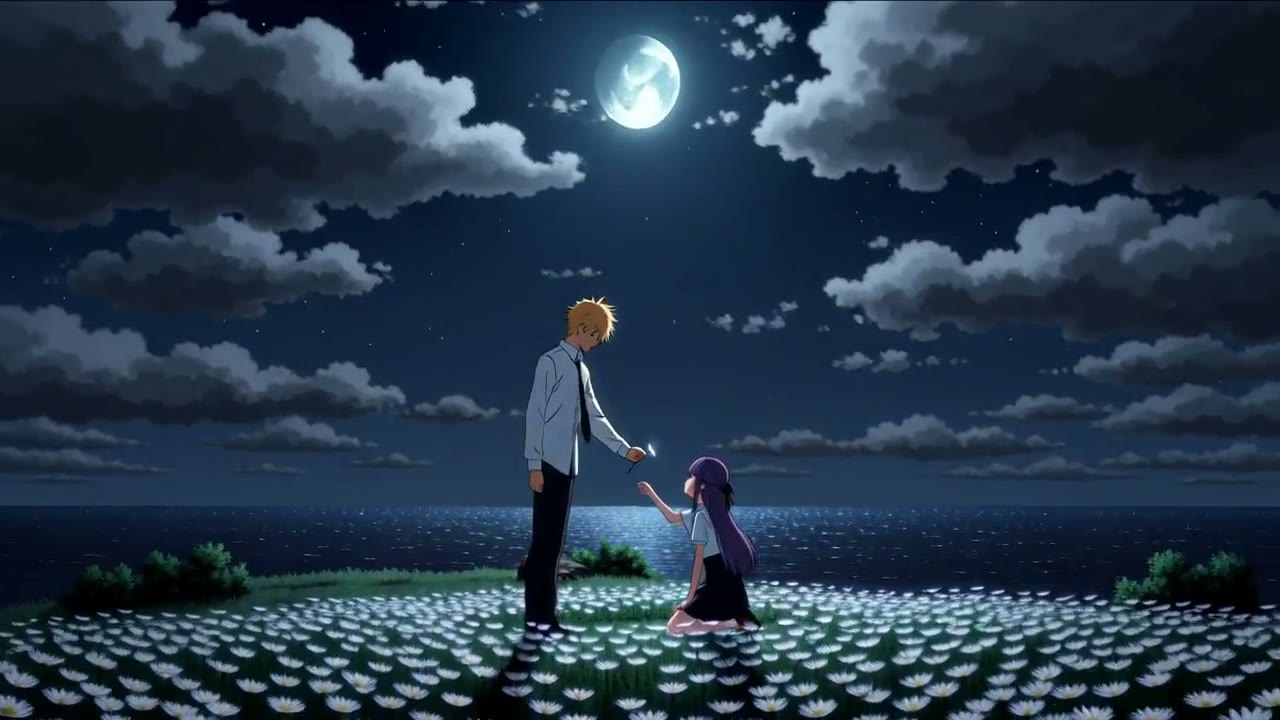
Why this prompt works
This prompt works by providing a clear, structured animation path that guides the model through a specific sequence. The numbered grid system creates a logical flow that helps the model understand the progression. The Seedance 2.5 specification and technical parameters ensure consistent output quality. Without these structural cues, the model might struggle to create a coherent animation sequence.
The visual storytelling creates a dynamic opening sequence that builds anticipation through systematic reveal. Each 2-second segment maintains viewer interest while establishing a rhythmic visual pattern that mimics professional anime openings. The grid-based progression creates a sense of order that transitions smoothly into the main content.
The technical execution maps directly to the model's capabilities: the 16:9 aspect ratio ensures proper framing, the 30-second total duration provides enough time for the full sequence, and the Seedance 2.5 specification targets a specific rendering style. The numbered grid serves as an animation path that helps the model understand temporal progression.
This approach works well for social media teasers, content intros, and product reveals. It pairs well with music that has a strong beat to sync with the transitions. For best results, use with high-contrast source images that can maintain visual interest when divided into smaller segments.
Prompt anatomy
- Subject
- 16-part image grid
- Action
- animated sequentially from top-left to bottom-right
- Setting
- animated opening style
- Camera
- implied - add one for more control
- Lighting & mood
- anime opening style
Make it yours
- 1For more dynamic results, add a camera movement like 'zoom in' or 'pan right' between each numbered segment to create smoother transitions.
- 2Use source images with strong visual contrast and clear focal points to ensure each segment remains engaging when animated separately.
- 3Try adjusting the timing to 1.5 seconds per segment for a faster pace or 3 seconds for a more deliberate reveal.
- 4For TikTok, consider adding text overlays that correspond to each numbered position to reinforce the progression.
Image Grid to Opening MV Animation
Turn this image into an OP-style MV by animating it in order from the top-left corner as ①, then ② to its right, up to 16 at the bottom-right corner, for 2 seconds each. Seedance 2.5, 30 seconds, 16:9 aspect ratio.
How to use this video prompt
- Click "Use this prompt" — it loads into the text-to-video generator automatically.
- Pick a model, aspect ratio and duration (or keep the recommended settings above).
- Hit generate — free users get daily free generations, no watermark.
Tip: swap the subject or setting and keep the camera, lighting and style parts — that's the structure that makes these prompts work.
Need a matching cover image for your video? Reverse-engineer any image into a prompt →