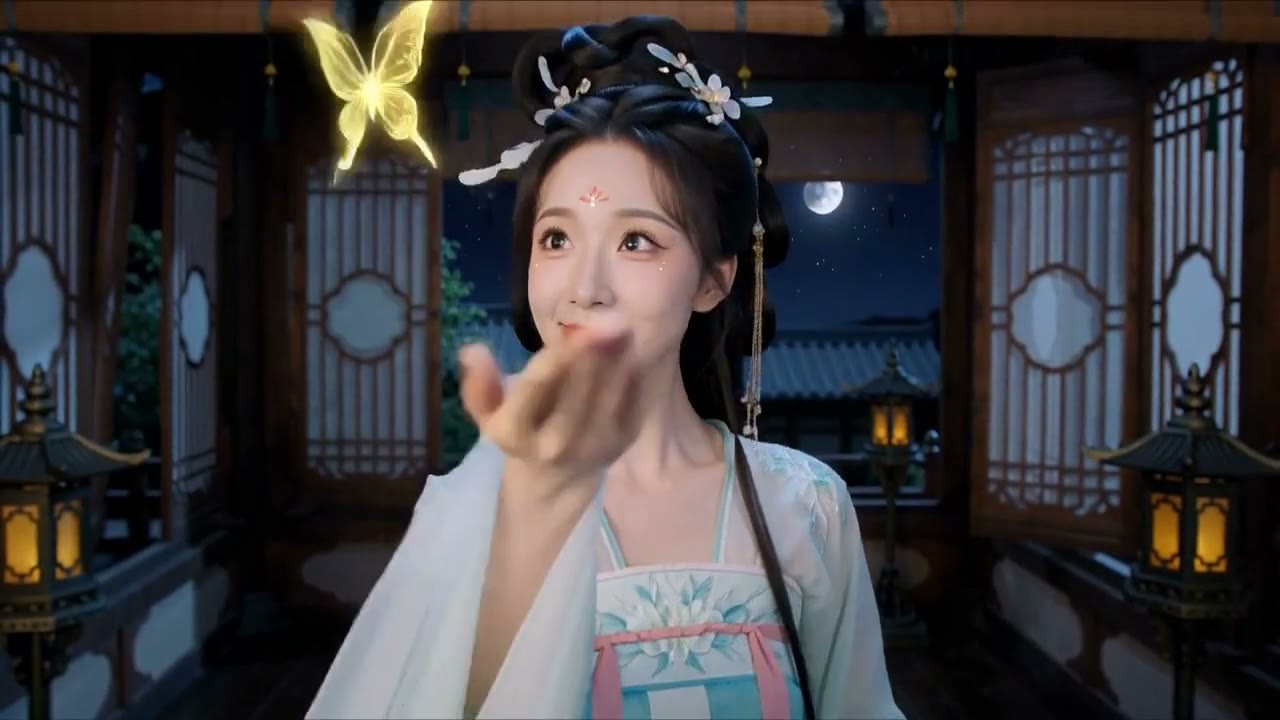
Why this prompt works
This prompt works exceptionally well for AI video generation because it provides ultra-specific structural guidance with the character sheet layout, while maintaining creative freedom through the character concept development. The prompt's emphasis on 'ultra-realistic' and 'cinematic' quality gives the model clear visual direction, ensuring professional-grade output. Without these specific cues, the model would likely produce generic character art lacking the cinematic polish and professional structure required for film production.
The visual storytelling in this prompt creates a compelling narrative of character development and professional film production, transforming an ordinary person into a cinematic figure with depth and presence. The prompt effectively guides the model through multiple perspectives and expressions, telling a story of character transformation that would resonate with audiences interested in film production and character design.
Technically, the prompt maps excellently to what AI models render by breaking down the character sheet into specific components with clear visual requirements. The 5-second duration is appropriate for presenting the key elements without rushing, though the model-agnostic phrasing could be enhanced with more specific camera movement instructions to enhance the cinematic feel. The prompt's structure helps the model organize information logically, though the lack of explicit transition directions between views might result in abrupt cuts.
This prompt serves content creators focused on film production, character design portfolios, and behind-the-scenes content. It would pair well with tutorials on character development, making-of videos for film projects, or promotional content for creative agencies. The character reference sheet format makes it ideal for educational content about visual storytelling and character design processes.
Prompt anatomy
- Subject
- cinematic character reference sheet
- Action
- transform uploaded person into fully developed character
- Setting
- professional film production design
- Camera
- implied - add one for more control
- Lighting & mood
- ultra-realistic cinematic lighting
Make it yours
- 1For best results, upload a clear, well-lit reference image with the subject facing forward to ensure accurate facial recognition and transformation.
- 2Adjust the character type (warrior, villain, etc.) based on the subject's appearance to create more natural and cohesive character development.
- 3Consider adding specific camera movement instructions between views to enhance the cinematic flow and professional feel of the video.
- 4For social media platforms, reduce the duration to 3-4 seconds and focus on the hero portrait and key facial expressions for maximum impact.
Cinematic Character Reference Sheet Generator
CREATE A PREMIUM, ULTRA-REALISTIC CINEMATIC CHARACTER REFERENCE SHEET — PROFESSIONAL FILM PRODUCTION DESIGN. REFERENCE LOCK: Use the uploaded reference image as the ONLY source of the subject's identity. Preserve the exact facial identity, face shape, eyes, eyebrows, nose, lips, jawline, skin tone, hairstyle, hair color, body proportions, age, and recognizable appearance with maximum accuracy. Adapt naturally to ANY PERSON, regardless of gender, age, hairstyle, body type, or personal appearance. CORE CONCEPT: Transform the uploaded person into a fully developed cinematic character inspired by their appearance, personality, and visual presence. Automatically design a unique character concept, outfit, accessories, hairstyle, color palette, and visual identity that suits the subject. CHARACTER DESIGN: Create a visually powerful, original character suitable for a premium Hollywood or Netflix-style film production. The character may be: A WARRIOR, VILLAIN, HERO, WITCH, ROYAL CHARACTER, SCI-FI EXPLORER, ASSASSIN, DETECTIVE, SURVIVOR, FANTASY CHARACTER, OR MODERN CINEMATIC PERSON. Choose the most suitable character direction based on the uploaded reference and the intended visual style. CHARACTER SHEET LAYOUT: 1. HERO PORTRAIT: Create one large, dramatic, ultra-realistic cinematic portrait showing the character's face, hairstyle, outfit, and overall personality. 2. FACIAL EXPRESSIONS: Create a professional facial expression grid including: NEUTRAL, SERIOUS, INTENSE, SOFT, SMILE, ANGRY, SAD, MYSTERIOUS. Maintain consistent facial identity in every panel. 3. TURNAROUND / FULL BODY VIEWS: Show the character in: FRONT VIEW SIDE VIEW BACK VIEW THREE-QUARTER VIEW Maintain consistent outfit, body proportions, accessories, and hairstyle across all views. 4. PORTRAIT VARIATIONS: Include cinematic close-ups from different angles: FRONT PORTRAIT THREE-QUARTER PORTRAIT SIDE PORTRAIT DRAMATIC SHADOW PORTRAIT. 5. COSTUME & DETAIL CLOSE-UPS: Show highly detailed close-ups of: HEADPIECE OR HAIRSTYLE COSTUME DETAILS ACCESSORIES BELT OR WAIST DETAILS GLOVES OR HAND DETAILS FABRIC TEXTURE NECKLACE OR SIGNATURE PROP. 6. COLOR PALETTE: Display a professional color palette matching the character's costume and cinematic theme. 7. CHARACTER INFORMATION: Include a clean professional section containing: CHARACTER NAME ROLE ALIAS PERSONALITY STYLE THEME SIGNATURE ELEMENT 8. CINEMATIC WORLD-BUILDING: Add a subtle atmospheric background or environmental illustration that complements the character's world. VISUAL STYLE: Premium Hollywood concept art. Ultra-realistic photography. High-end costume design. Cinematic lighting. Natural skin texture. Realistic fabric and material details. Professional film production reference sheet. Elegant editorial layout. Subtle cinematic atmosphere. Sharp facial details. Photorealistic rendering.
How to use this video prompt
- Click "Use this prompt" — it loads into the text-to-video generator automatically.
- Pick a model, aspect ratio and duration (or keep the recommended settings above).
- Hit generate — free users get daily free generations, no watermark.
Tip: swap the subject or setting and keep the camera, lighting and style parts — that's the structure that makes these prompts work.
Need a matching cover image for your video? Reverse-engineer any image into a prompt →